A photo straight from your phone is easily over 2MB, yet 126KB is plenty for the web. Using real benchmark data from the pandac engine, this guide explains compression principles, format choices and quality settings in one pass — afterwards you will know exactly how to compress any given image.
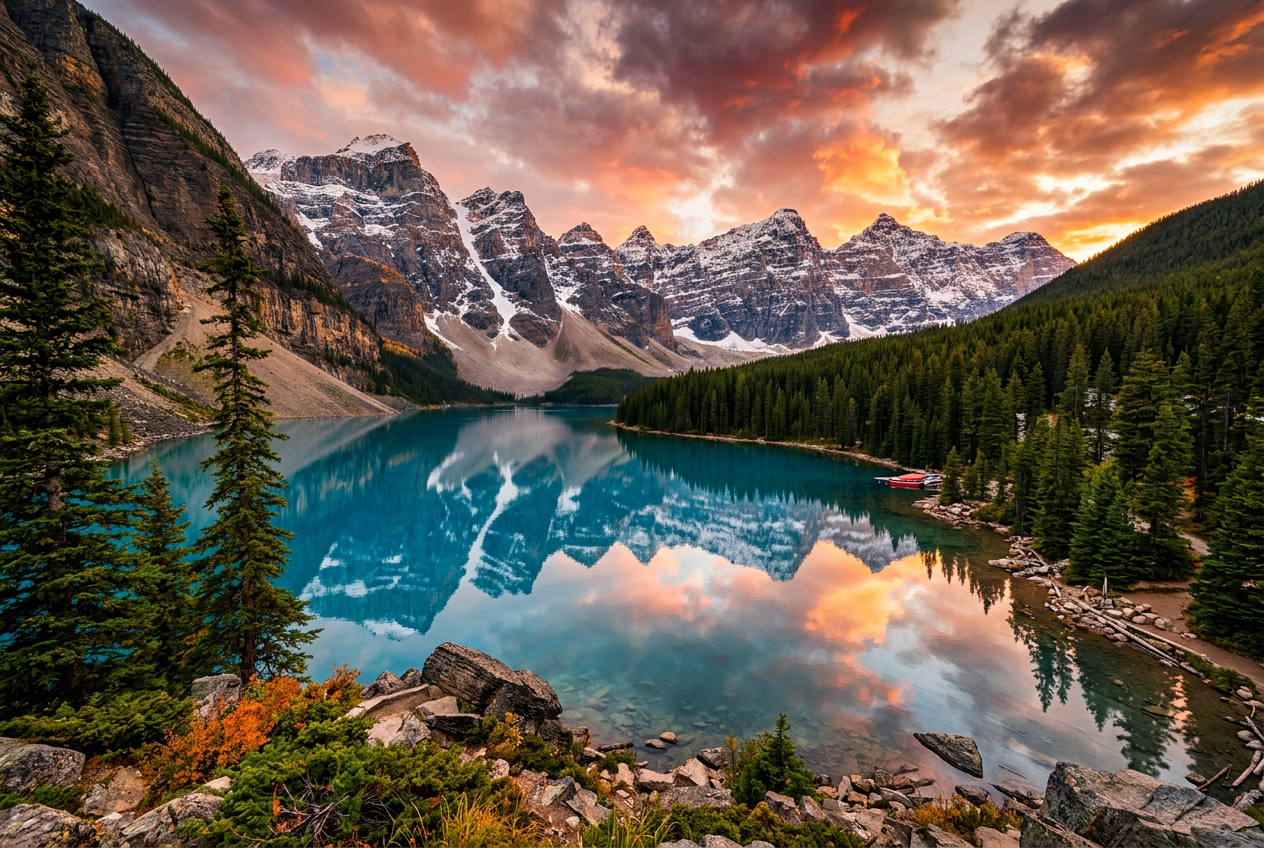
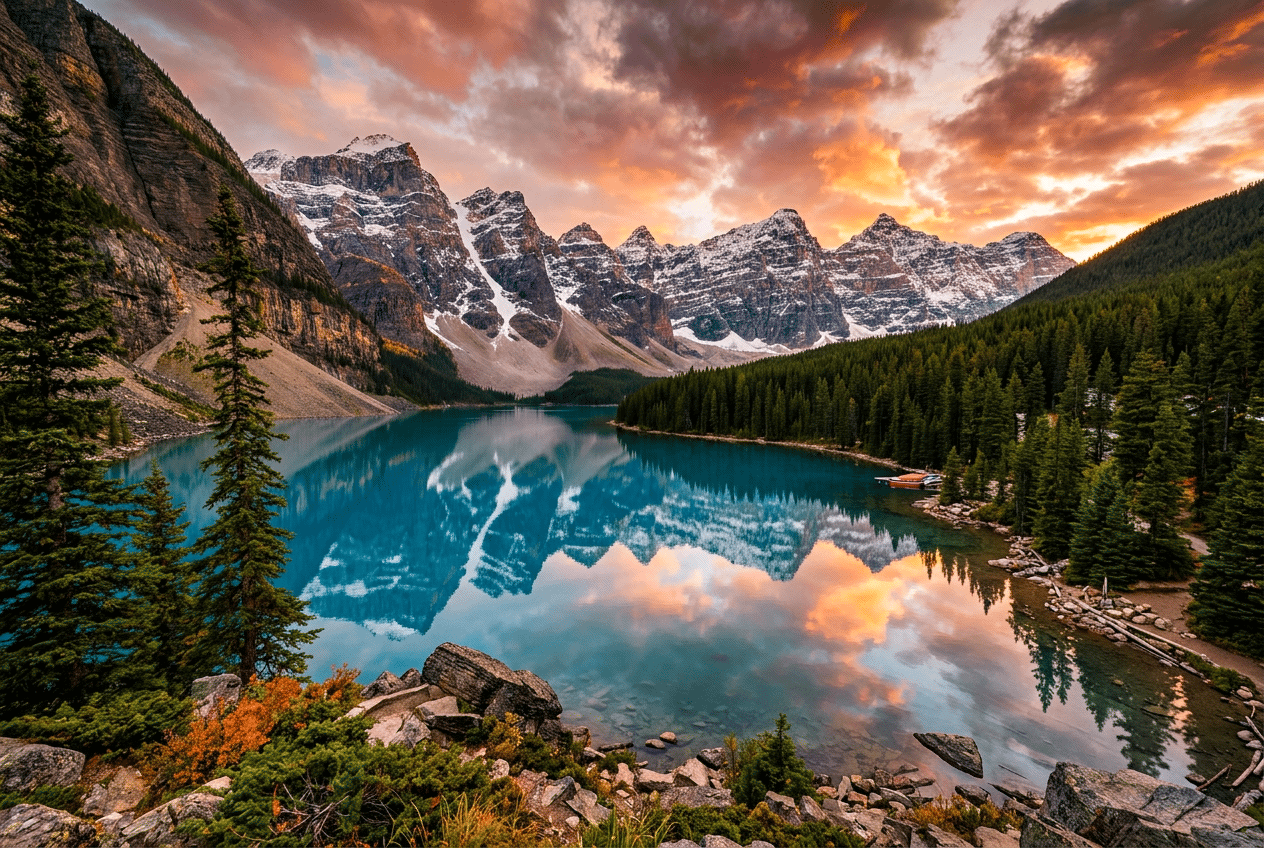
The lossless output is pixel-identical to the original (SSIM = 1.0000) — only the data layout changes.
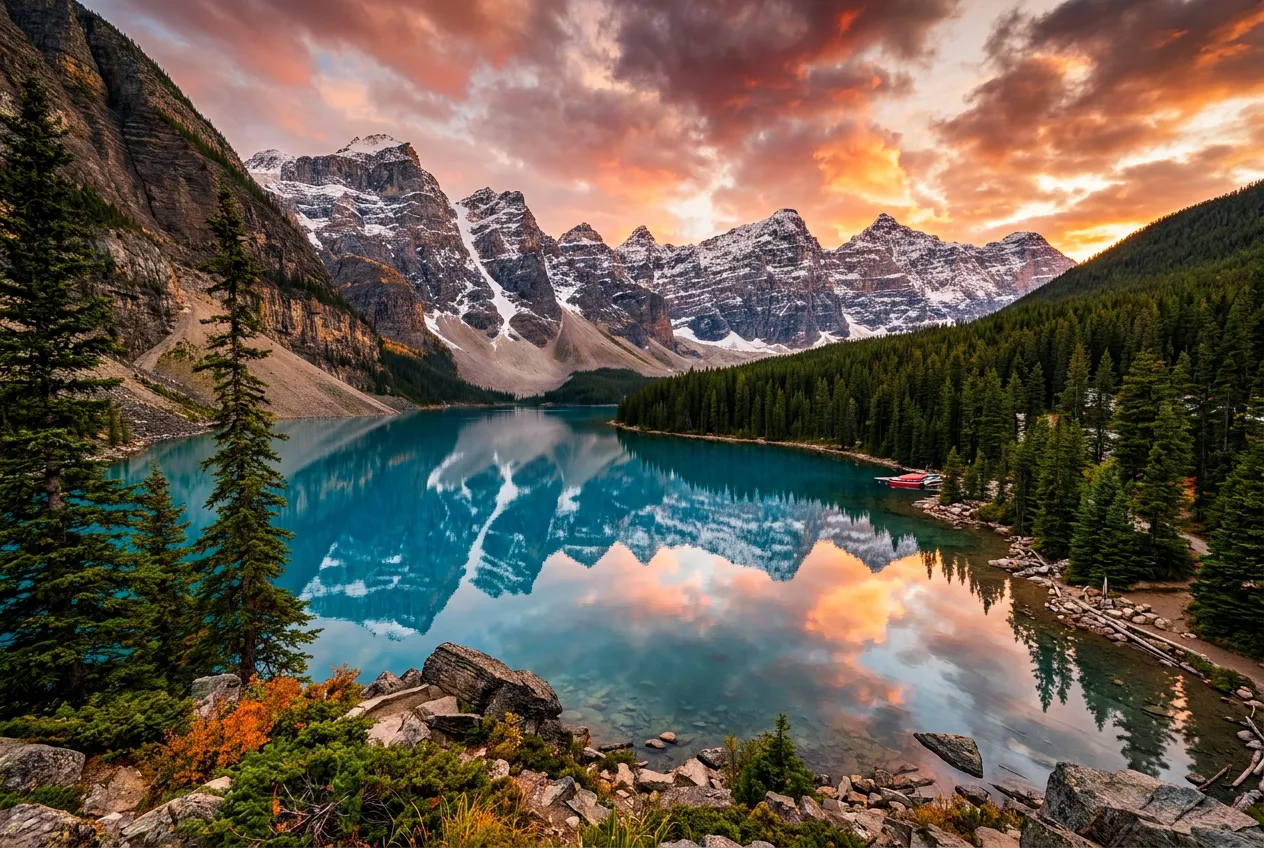
The lossy output only shows faint texture differences at 100% zoom side-by-side; invisible in normal viewing.
| Output | Config | Before → After | Saved | Time |
|---|---|---|---|---|
| photo-alps.png | PNG · lossless · re-compressed | 2.05 MB → 587 KB | -72% | 412 ms |
| photo-alps.webp | WebP · Q80 · smart lossy | 2.05 MB → 242 KB | -88.5% | 368 ms |
| photo-alps.avif BEST | AVIF · Q60 · perceptual | 2.05 MB → 126 KB | -94% | 1.24 s |
A photo can shrink to a tenth of its size because raw pixel data carries huge amounts of information the human eye never needs. Encoders attack it from two directions:
In large flat areas like sky or walls, neighboring pixels are nearly identical. Instead of recording every pixel, the encoder lets each block predict from its neighbors and writes only the difference — which is usually near zero and compresses extremely well.
The eye is sensitive to brightness but sluggish about color detail. Encoders store chroma at half resolution via 2×2 subsampling, then quantize high-frequency texture away — dropping detail the eye never misses. That is why lossy compression saves so much size at so little quality cost.
Every pixel is identical — the decompressed file matches the original exactly. It works by reorganizing data (better entropy coding, stripping redundant metadata) without discarding any pixel information.
Deliberately discards information the eye barely notices (quantization, chroma subsampling) for dramatic size cuts; at sensible quality settings the result is visually indistinguishable from the original.
Rule of thumb: choose lossless for archiving or re-editing; choose lossy for publishing or sharing. When in doubt, use "Auto" — pandac decides based on image content.
Moves pixel blocks into the frequency domain, concentrating energy into a few coefficients.
Picks the optimal coding path per block, balancing size against distortion.
Assigns bits by symbol probability, saving another 5–10% over Huffman.
References neighboring blocks along edge directions, recording only residuals — flat areas cost almost nothing.
Smooths block boundaries after coding, removing blockiness so low Q values still look good.
Halves chroma resolution, exploiting the eye's insensitivity to color detail.
8×8 DCT + Huffman. Three decades of universal compatibility remain unbeatable; no alpha support, and heavy compression shows blocking artifacts.
DEFLATE entropy coding + per-row filter prediction. Native alpha transparency and palette color; bulky for photos, excellent for flat graphics.
VP8 keyframe framework: intra prediction + arithmetic coding, 25–35% smaller than JPG at equal quality; dual lossy/lossless modes with alpha and animation.
AV1 intra coding: up to 81 prediction directions + large variable blocks + loop filtering, roughly 30% smaller than WebP at equal quality; slower to encode.
Reads files via memory mapping, skipping repeated copies — large images load faster.
Ultra-fast content fingerprints for deduplication and integrity checks.
EXIF/ICC metadata is handled on the side and stripped without decoding pixels.
Perceptual hashing picks quality tiers, avoiding recompression and wasted quality.
| Format | Born | Lossy / lossless | Alpha | Size at same quality | Compatibility | One-line summary |
|---|---|---|---|---|---|---|
| JPG | 1992 | Mostly lossy | ✗ | Baseline 100% | 100% | The universal photo format with maximum compatibility |
| PNG | 1996 | Lossless only | ✓ | Large for photos | 100% | The standard for transparency and flat graphics |
| WebP | 2010 | Both modes | ✓ | ≈ 65–75% | ≈ 95% | The balanced choice for the modern web |
| AVIF | 2019 | Lossy + lossless | ✓ | ≈ 45–55% | ≈ 85% | The next-gen format chasing the smallest size |
| Quality range | Best for | Visual result | Size feel |
|---|---|---|---|
| Q30 ~ 50 | Thumbnails · list covers | Acceptable at small sizes, blurry when enlarged | Tiny |
| Q60 ~ 75 | Social sharing · chat images | No visible difference in normal viewing | Small |
| Q75 ~ 85 RECOMMENDED | Web hero visuals · blog images | The golden balance of quality and size | Balanced |
| Q85 ~ 95 | Portfolios · e-commerce detail pages | Near-lossless look for demanding use | Medium |
| Lossless | Screenshot archiving · re-editable assets | Pixel-perfect identical | Larger |
Rule of thumb: Q80 + WebP works for most images; only images that will be viewed zoomed-in (portfolios, product close-ups) need Q90+. Dropping from Q95 to Q80 usually halves the size again with barely any visible change — do not pay for sharpness nobody will see. AVIF at Q60 already matches WebP Q80 visually, so you can push it further.
At the recommended settings (WebP Q80 / AVIF Q60) there is no visible difference in normal viewing; only a 100% zoom side-by-side reveals faint texture changes. Lossless mode guarantees SSIM = 1.0000 — pixel-identical.
Quick guide: transparency/archiving → lossless PNG; compatibility → JPG; balance → WebP; smallest size → AVIF. When in doubt, pick "Auto" — pandac chooses the best format from content and alpha channel.
No. The quality gap between Q95 and Q80 is far smaller than the size gap — the closer to 100, the less quality each extra byte buys. Q75–85 is the widely accepted sweet spot for the web; treat Q as a reference and trust your own eyes at 100% zoom.
Never. Compression runs entirely in your browser — nothing is uploaded, everything is cleaned up when you close the page, and it even works offline.

No sign-up, no uploads — drop a photo in and see how many KB it can shed.